
Watch it running
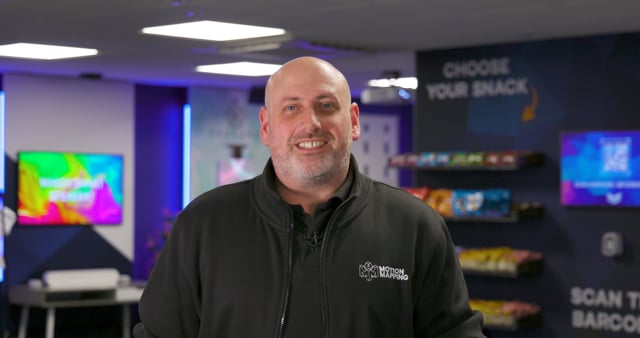
Film: digital signage content management. One publish updates every screen in a channel, no USB sticks, and insights show how each interaction is used.
Previous film
Christmas Window Product Launch on Demand
Film: retail window projection as a product launch on demand, a Christmas window a shopper sets off themselves rather than an event they might miss.
How do you update hundreds of screens at once?
You publish once, to a channel. In our content management system you change the layout in the builder, press save, press publish and pick the channel the screens are grouped into, and every screen in it updates. Stu’s example is 300 screens round the world. No USB sticks.
The second screen in the film shows insights from each interaction in the room, such as how often and how long each project puck was put down, and which snack brands and flavours were scanned.
Filmed in our London Experience Centre in Islington, which has since closed.
What Stu says in the film
Behind me are two elements I really want to show you, because they’re really, really informative.
This one here is the content management system. Say you have, for example, 300 screens set up around the world, and you want to update every single one of them with exactly the same content, for argument’s sake. All I need to do is go into the builder and say, let’s say this needs to be bigger, that needs to be there, and this needs to be bigger as well. Imagine one of these is one of those screens you have.
I press save, I press publish and select the channel they’re all grouped into, and I save it. Then I carry on with my day, because I’ve now got 300 screens that are updated. Really, really simple. No USB sticks.
Over to this one: insights for every type of interaction you have. If I select this one, this is the pucks from the projects we have at the front. What it’s showing us is how many times each one has been put down, and how long they’ve been put down for. So you get some really good insights.
If I go to this one with the snacks, from the barcode scanner, you’ve got the different brands here, and then the different flavours of those brands.
This is a really high level, really simple view of what can be achieved. But this can go into so much more detail.
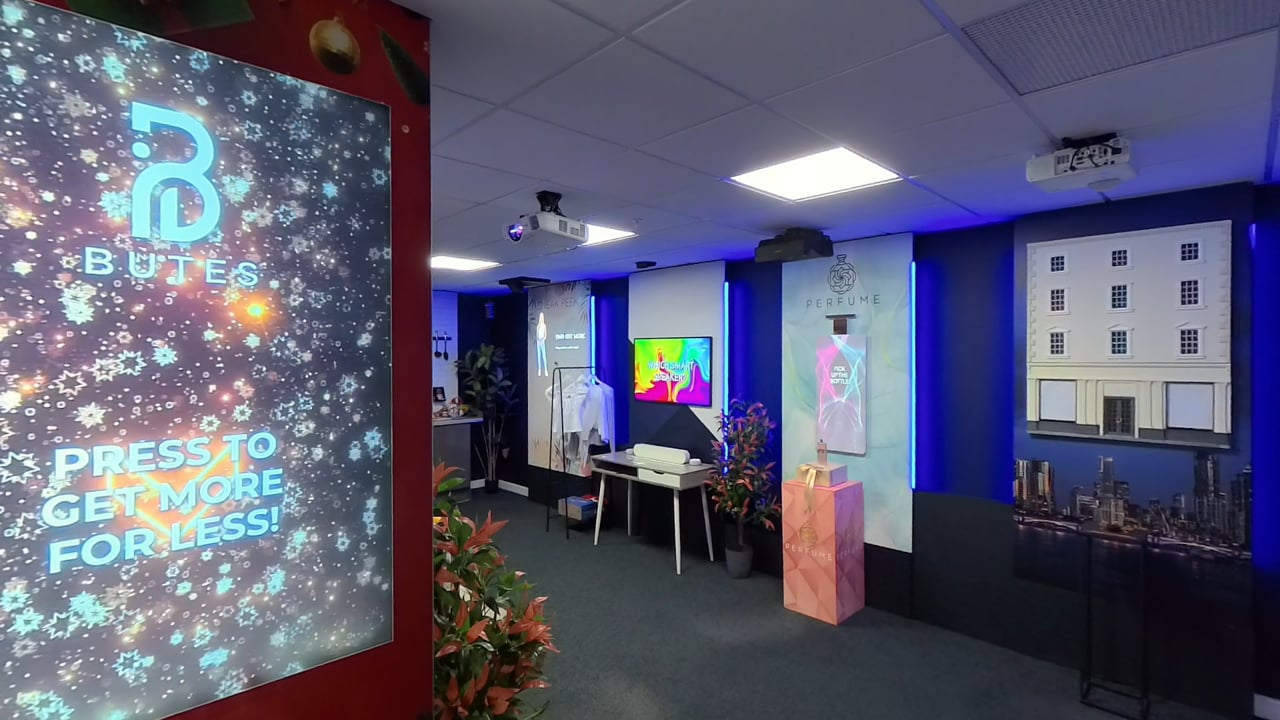
See the area running: the two screens in the room, the content management system demo and the interaction data dashboard.
More of this kind of work: projection installations and retail projection mapping. The whole room is in the Experience Centre tour.
Up next
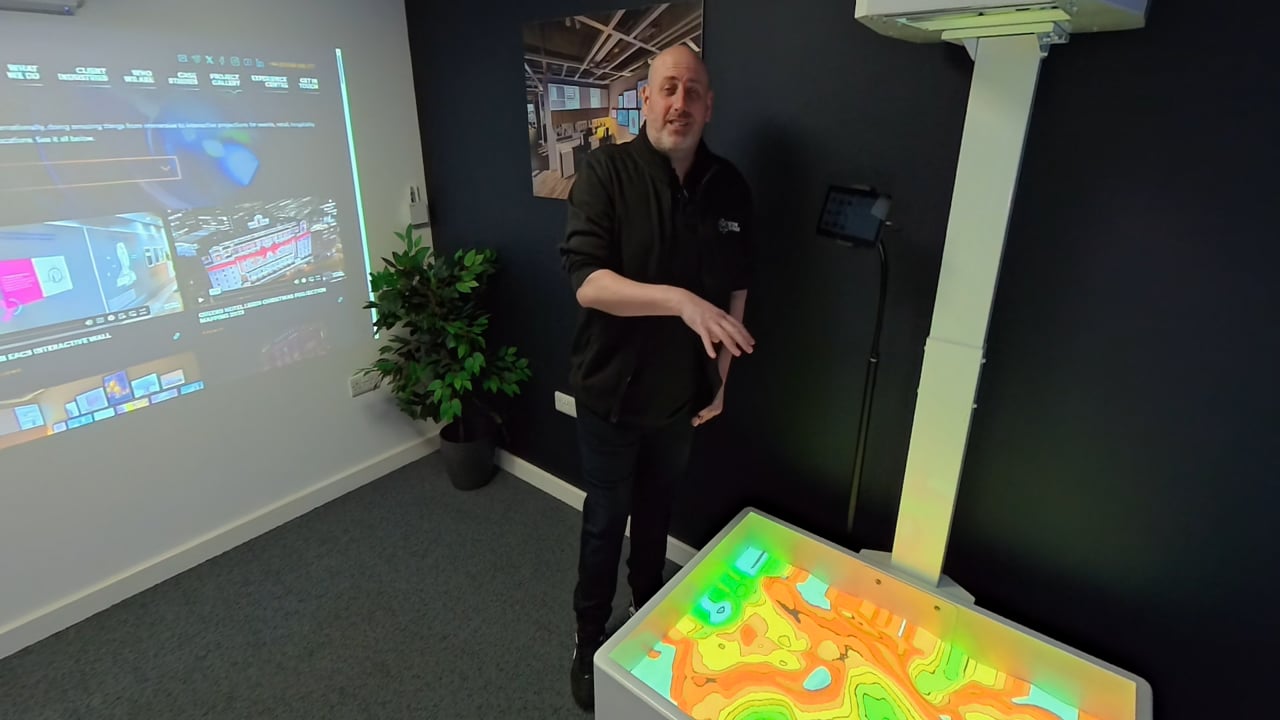
Interactive Projection Sandpit on Play Sand
Film: interactive sand projection on ordinary play sand, with a tablet of games that changes it from a volcano to dinosaurs. Made for children.
More films from the Experience Centre
GIVE US
A SHOUT
Get in touch today and let’s start creating your WOW moments.