
Watch it running
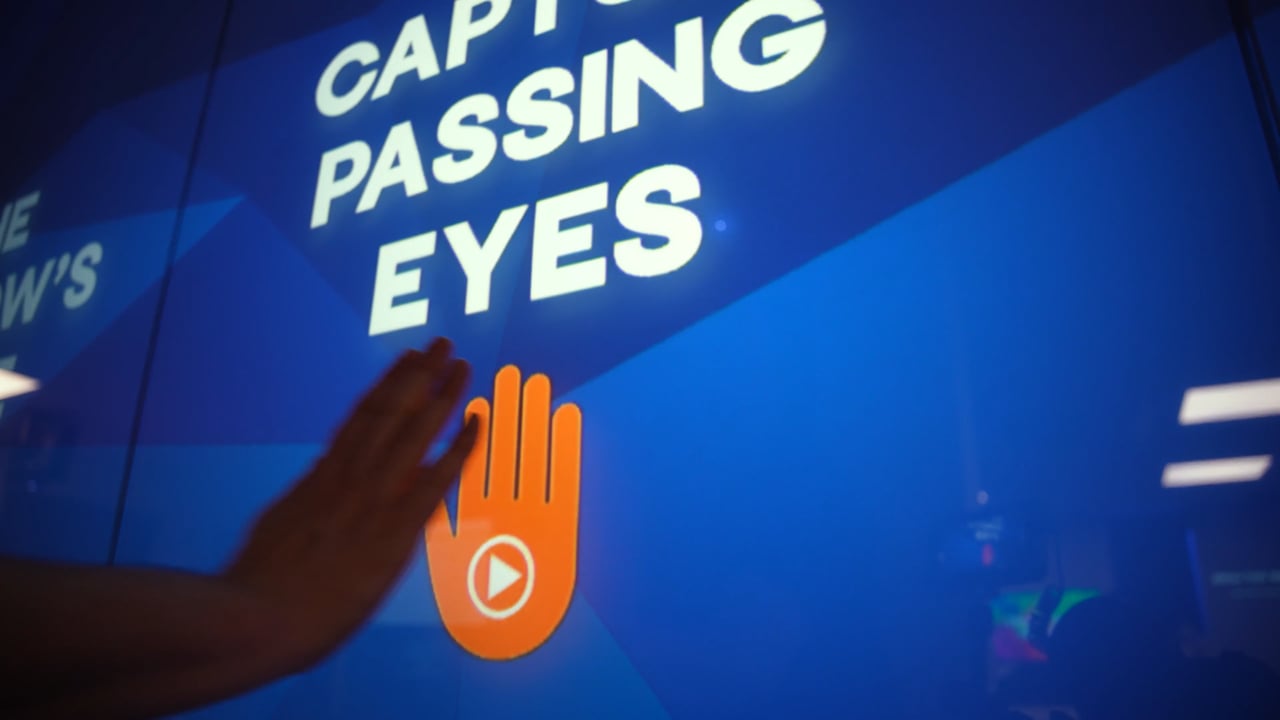
Film: interactive display analytics beside our content management system. One publish updates every screen, and insights show each interaction.
Previous film
Back Projection Window, the LED Screen Alternative
Film: an LED screen alternative. One 4K projector behind a glass wall runs it as one big screen, saving time, weight and power. Seen from behind.
How do you know which parts of a display people actually use?
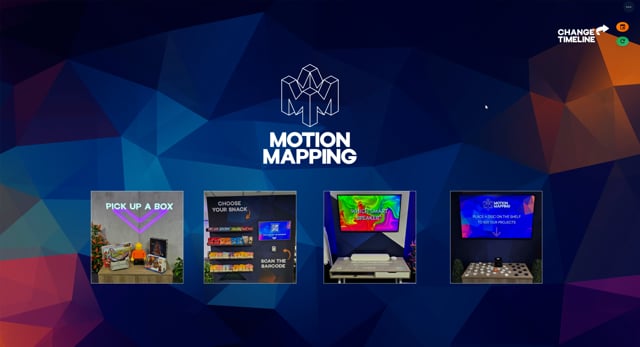
You count every interaction, and this clip shows the two screens that did it at our London Experience Centre. One showed which project pucks people put down and for how long, and which snack brands and flavours got scanned. The other changed what every screen shows with one press of publish.
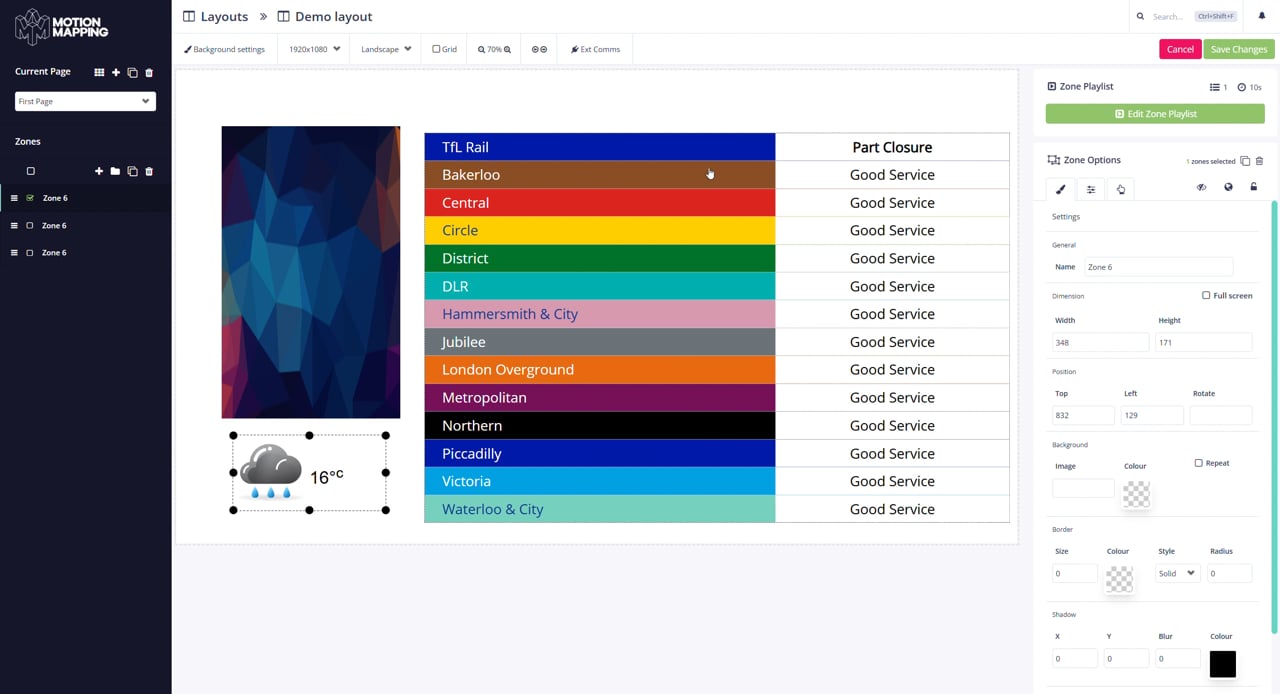
Stu’s example for that second screen was 300 screens around the world, all wanting the same content. You open the builder, make this bigger, put that there, press save, press publish and pick the channel the screens are grouped into. Every screen in that channel updates and you carry on with your day. No USB sticks.
The two belong together. One shows you what people reach for. The other changes what they see. Stu called it a really high level view, and the data goes into far more detail underneath.
For anyone running screens in more than one place, that’s the content decided once and sent everywhere, with real numbers behind the decision rather than a hunch.
The Experience Centre was at the Business Design Centre in Islington, open from November 2025 to August 2026. Watch what people pick up, then change what they see.
Stu explains this area in the talk-through film.
Where we use this for clients: projection installations and retail projection mapping. The whole room is in the Experience Centre tour.
Up next
Content Management System Publishing Demo
Film: a digital signage CMS demo. Change the layout, publish to a channel and every screen in it updates at once, with no USB sticks.
More films from the Experience Centre
GIVE US
A SHOUT
Get in touch today and let’s start creating your WOW moments.